
The spread between the cheapest and the most expensive listed video rate isn't 10 percent. Silent 720p generation on Alibaba's Wan 2.6 I2V Flash is listed as low as $0.025 per second, and audio-enabled Veo 3.1 Standard at $0.40 per second, per Runway's comparison of AI video API pricing. That's sixteen times the price for the same output second.
Every entry below gets the same treatment. I take the listed rate, convert it to cost per output second, record the resolution that rate applies to, check whether audio is a separate line, and flag minimums and input-media charges where the provider documents them. Where a rate only exists at 360p or on a Flash variant, the entry says so.
The ranking compares listed prices only. Quality, duration caps, input formats, and motion control differ across these endpoints, and I ran no independent quality benchmarks. A 480p draft rate and a 1080p delivery rate are different products, and this list keeps them apart.
A cheap second that needs three retries to produce one usable clip is an expensive second. That's the whole argument.
1. UberLLM Routes Across Sellers Instead of Locking One Rate
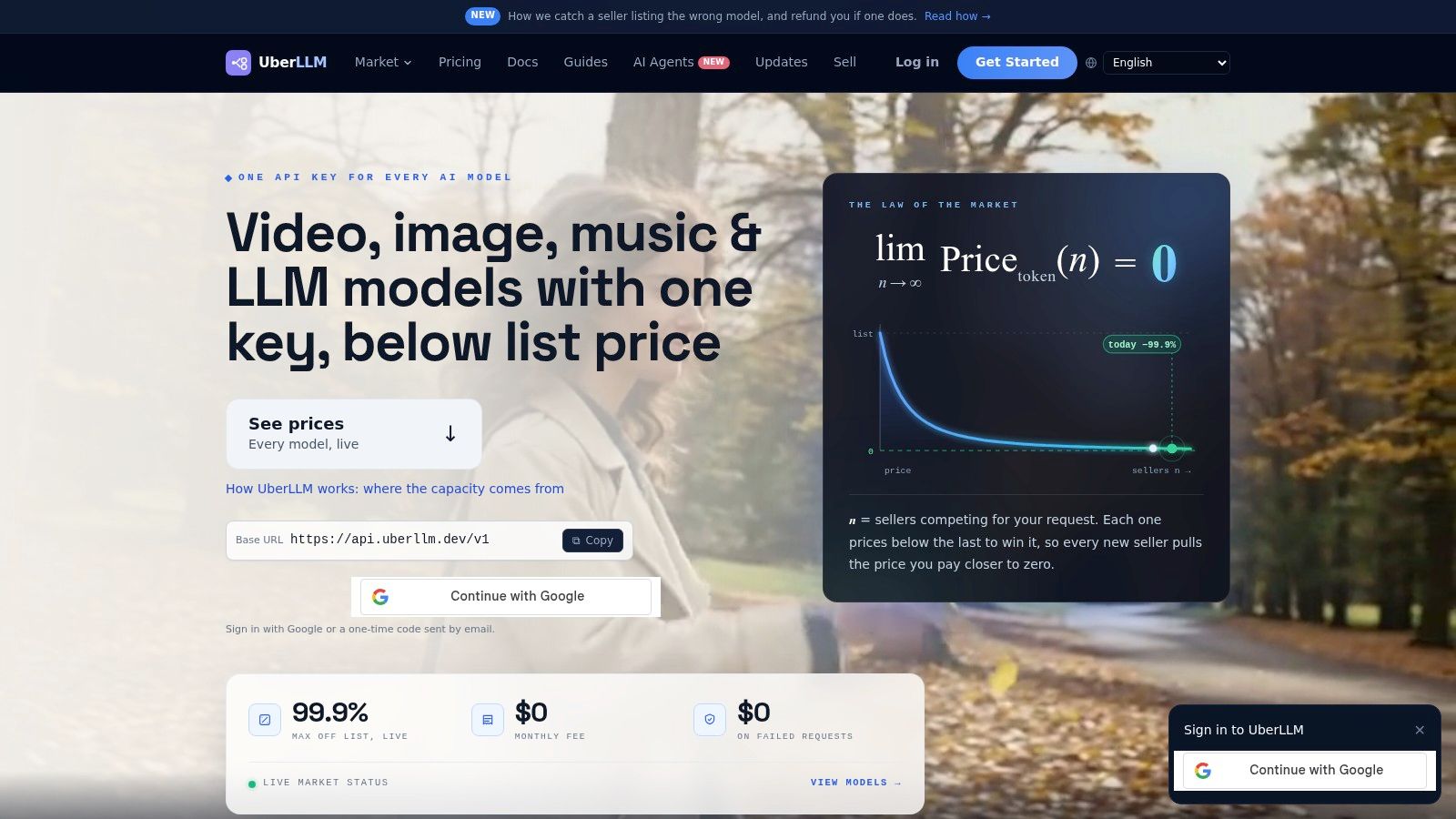
UberLLM runs an AI inference marketplace rather than a single model line. You send requests through one OpenAI-compatible or Anthropic-compatible endpoint, and the platform routes each call to a third-party seller offering unused capacity. Video, image, text, music, and speech models sit behind that same key, so the account that writes the prompt also generates the keyframe and the voiceover.
What the marketplace model changes for a video budget
Two things, and both are about variance. Routing selects the cheapest healthy seller for the model you name and moves the request elsewhere when a seller goes slow or dark, which means your effective rate depends on who's available at the moment of the call. Billing runs at provider charges with no separate request fee, no monthly minimum, and no charge for failed requests or generations, as the UberLLM video API pricing page sets out. Credit top-ups by card carry a disclosed 5.5% plus $0.50 fee, so the fee lands on the deposit rather than on every call.
Where it earns a place in a cheaper stack
- Multi-model pipelines: switching from a draft model to a final model is a different identifier on the same endpoint and the same prepaid balance, which removes the per-vendor account sprawl that makes cost tracking hard.
- Retry-heavy work: failed generations aren't billed, so a prompt that fails three times costs nothing until a result comes back.
- Playground before production: the dashboard lets you compare outputs and parameters before wiring the endpoint into a render queue.
It's the wrong pick if you need one vendor's contractual SLA or a discounted commitment signed to a specific model. It's the right pick when the cheapest route to a usable clip changes every few months and you'd rather not rebuild integrations each time.
2. Replicate Wan 2.2 S2V Is a Two Cent Second for One Workflow
The lowest headline rate in this list buys a narrower thing than the price suggests. Replicate's Wan 2.2 S2V endpoint takes an audio clip and a reference image and animates the image to match the sound. It won't generate a product shot from a prompt, so a team shopping for general text-to-video is pricing the wrong tool here.
That narrowness is why the rate holds. The workflow is bounded: you supply the performance and the face, and the model handles the motion sync. Lip-sync and face-driven animation are the use case, full stop.
Billing runs per output second, and the API is asynchronous: you poll for the prediction or register a webhook and get notified when it finishes. For a render queue, the headline rate only becomes a real cost figure once you count how many attempts a given audio clip needs to produce a usable take, since a clip that syncs cleanly on the first pass costs less than one that doesn't.
Where the estimate goes wrong. The cheap rate belongs to this endpoint, not the Wan family. Each model page on Replicate publishes its own price, and assuming the lowest one carries across is how a monthly estimate drifts by a factor of three.
3. fal HeyGen Video Charges $0.02 Only Until Someone Asks for 1080p
Two rates share one page, and only one of them is the headline number. The lower per-second price on fal's HeyGen Video endpoint covers the sub-HD resolutions, then the rate climbs once output reaches 1080p and again at 2K. The cheap tier is real, and it's also a resolution trap: a budget written against the entry price undercounts the moment a client asks for a full HD master. Check the current tier prices on the fal model page before quoting, because that step is where an estimate built on the headline figure breaks.
Access runs through a fal account rather than a direct HeyGen one, so supported inputs, aspect ratios, and output controls belong to that specific endpoint rather than to HeyGen's product documentation generally. Confirm clip-length caps and input formats before the pipeline depends on them.
The practical rule: price every deliverable at the tier that matches the final master. Drafts, previews, and internal review cuts can sit on the lower resolutions where the rate stays flat. Anything headed for delivery belongs in the higher bracket from the first quote, and folding that into the estimate up front is cheaper than explaining a revised invoice later.
4. xAI Grok Imagine Video 1.5 Lite Puts Audio Inside the Cheap Tier
Audio is the reason this entry belongs in a per-second roundup. Grok Imagine Video 1.5 Lite takes text or an image and returns a clip with generated sound, so the rate at draft resolution already covers the audio pass that silent endpoints leave you to buy separately. That bundling is the whole pitch: one API call, one bill, no second vendor for the sound bed.
A silent model isn't cheap if you still have to buy a voiceover and a sound bed. Price the audio step before you crown the lowest number.
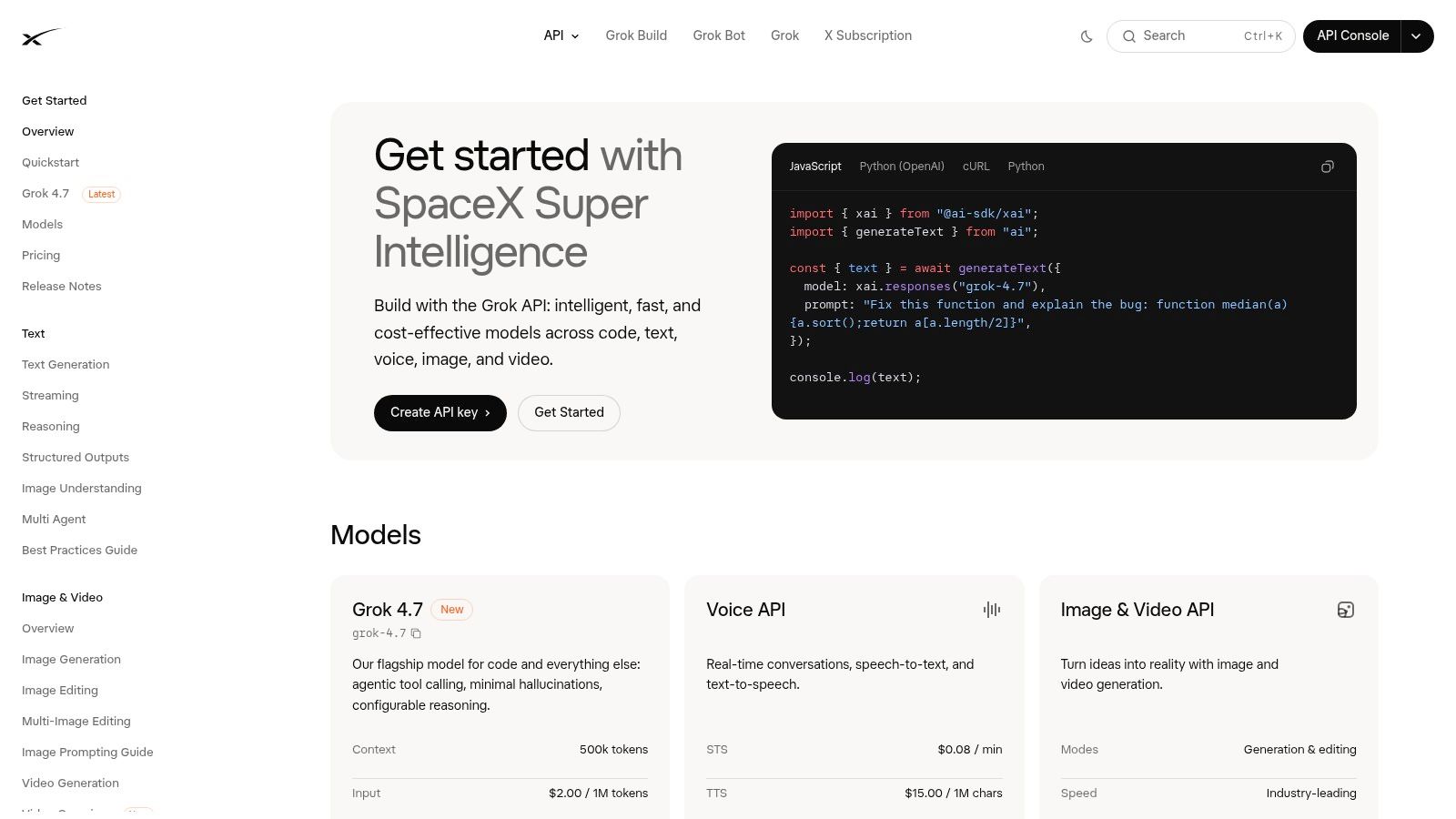
The cheap tier stops being cheap at the top of the ladder. Stepping up to 1080p costs more than the lower tiers combined, so a quote built on the draft rate undercounts every full HD deliverable. Keep hero shots and volume shots on separate models: run drafts and social cuts where the bundled audio pays off, and send client-facing masters to whichever endpoint prices 1080p best.
Inputs bill on their own line too. Images and other media you feed the model can add charges on top of the output rate, so an image-to-video pipeline costs more than the per-second figure suggests.
5. Google Gemini Omni Flash 1.1 on Runway Dev Starts at 360p
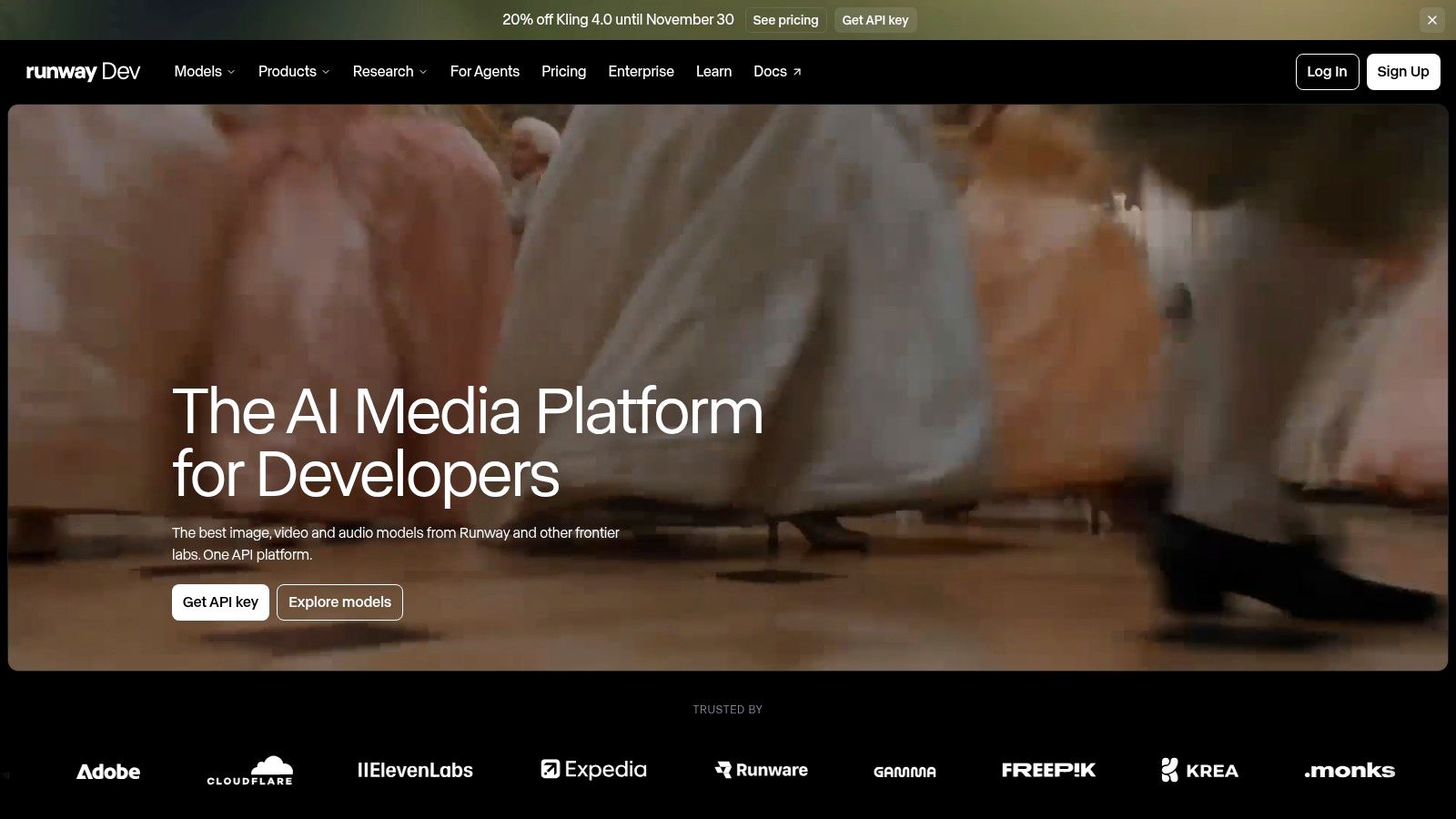
The lowest rate in Runway's developer catalog is $0.034 per second for Gemini Omni Flash 1.1 at 360p. The same model scales to $0.10 at 720p, $0.20 at 1080p, and $0.30 at 4K on the same Runway developer pricing page, which makes resolution a bigger variable than the model name.
Runway's own Gen-4.5 is listed at $0.12 per second. At 720p, Gemini Omni Flash undercuts it. At 1080p, it doesn't.
What the 360p floor actually buys
Billing runs on credits at $0.01 each, so the entry rate works out to about 3.4 credits per output second. A 10-second draft lands near $0.34 before minimum-generation rules and extra charges. A 60-second draft lands near $2.04.
360p is a blocking and timing format. Use it to check whether a prompt produces the camera move you asked for, then move up a tier for anything a client sees. Deliverables for advertising or any platform that expects HD need the higher rates, and the price follows the pixel count.
6. fal Wan 2.6 Flash Is the Cheap Seat in a Two-Tier Family
Treat Wan 2.6 on fal as two products sharing a family name. Flash is the lower-priced seat for fast drafts; standard Wan 2.6 costs more and rises as resolution climbs.
Cheap per output second does not guarantee a cheap finished clip. Flash earns its rate when prompts, motion, and duration are already close; standard earns the premium when the take has to survive client review.
Practical rule: wherever you buy matters. The same model family shows different rates across marketplaces and across text-to-video versus image-to-video variants, so compare like with like before you call one reseller cheaper.
Do not assume parity between the tiers. Run a small acceptance set on Flash, count retries, then price audio and any input media per endpoint before a calendar depends on it.
7. Runway Dev Wan 3.0 Gives You a Clean Resolution Ladder
Wan 3.0 through Runway Dev prices in three steps on the Runway Dev pricing page: $0.05 per second at 480p, $0.10 at 720p, and $0.20 at 1080p. Each step up in resolution doubles the rate, so 1080p costs four times the entry tier. That predictability matters when you're forecasting monthly volume, because a rate that scales cleanly is easier to model than a flat rate with hidden quality caps.
The practical use is a tiered workflow inside one account. Draft at 480p, approve the motion, then regenerate only the takes you keep at the higher tiers. A ten-second draft at 480p runs $0.50; the approved version at 1080p runs $2.00. Most of a project's spend can stay at the bottom of the ladder if your review process rejects early.
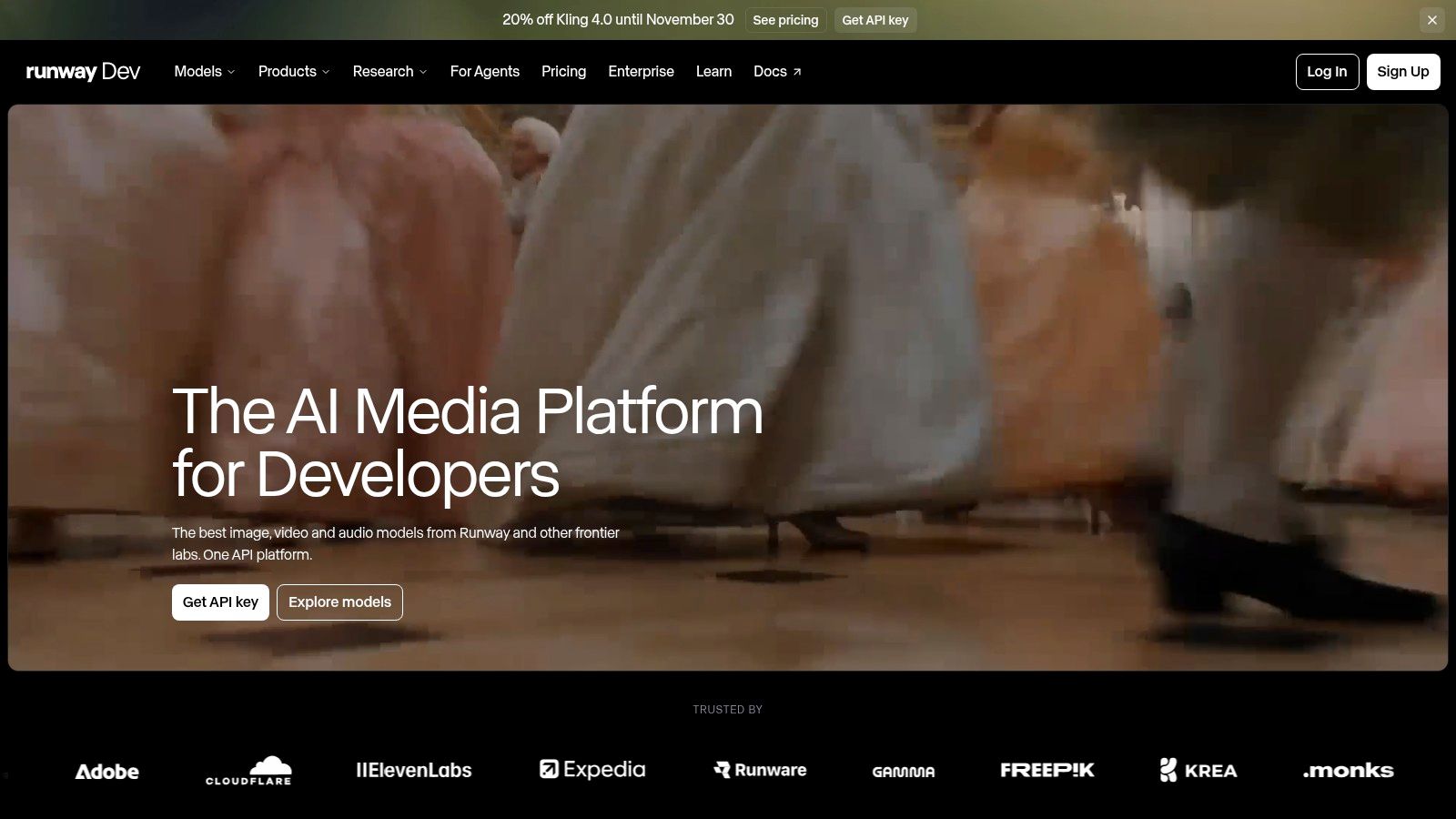
Billing note. These are Runway Dev's rates, set on its own pricing page. A different channel carrying the same model family can price it differently, so treat this ladder as one vendor's offer rather than the model's universal cost. For reference and editing controls in the same family, the Wan 2.7 listing on uno.directory is the comparison point worth bookmarking.
8. xAI Grok Imagine Video Bills Input Media on Top
A long source clip can cost more than the short video it yields. That is the trap with Grok Imagine Video: the output rate is only part of the invoice when text, image, or video input carries its own meter.
Its rank is decided after the output rate, by the meter on inputs. A prompt-only run belongs in one comparison. Image-to-video adds the image step. Video-to-video adds source duration, and a retry can bill that source media again.
The cheap number is the output second; the expensive line can be the footage you feed it.
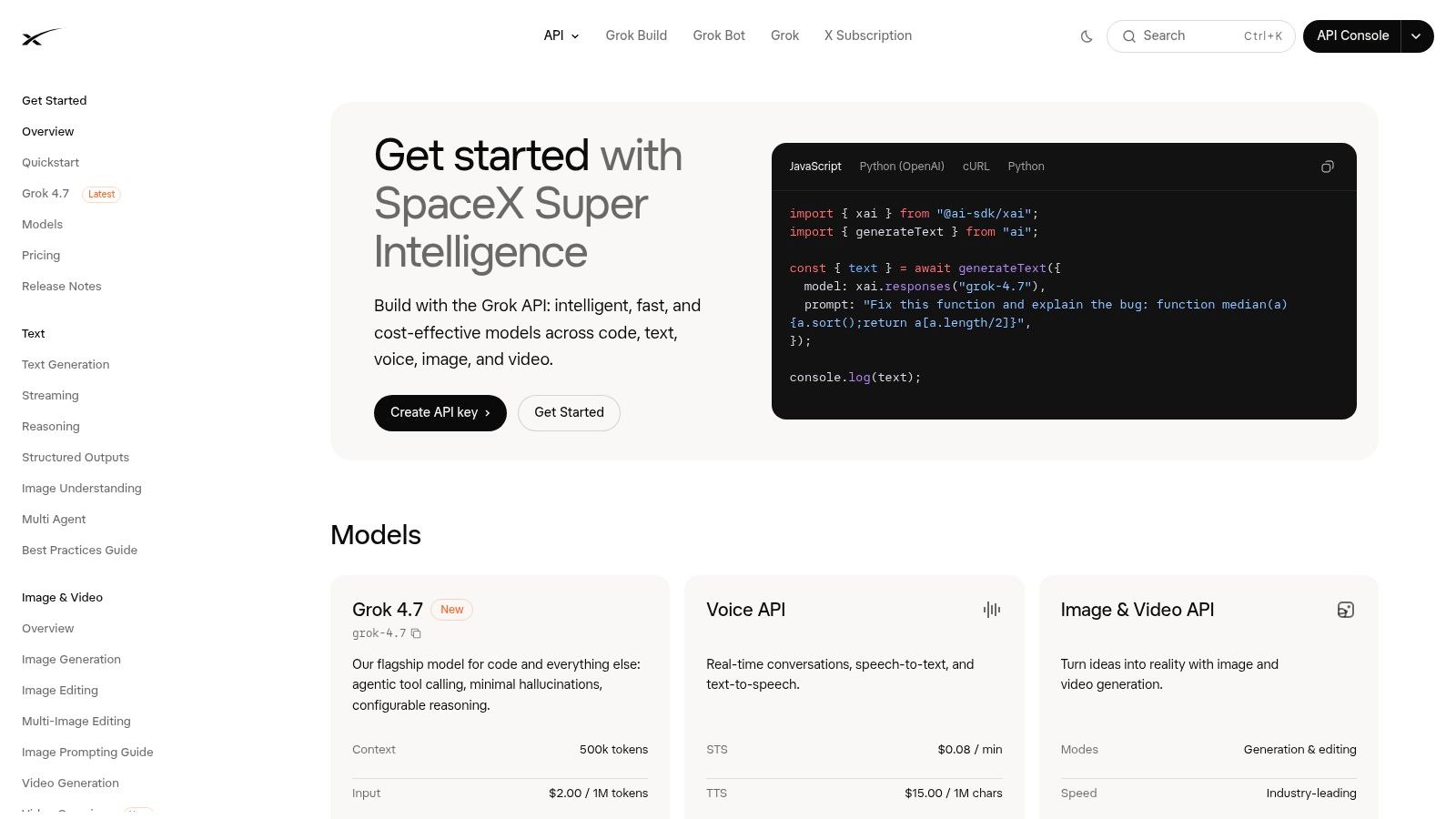
Read the endpoint rules before you benchmark. If a source clip is billed, normalize cost as input plus output, then compare it with prompt-only endpoints on the same brief. The Grok Imagine listing on uno.directory tracks the family, and xAI's Lite tier is the cheaper option wherever its features cover the job.
9. fal MiniMax H3 Max Sits at the 768p Middle
MiniMax H3 Max is the middle rung for shots that need reference-driven control more than raw volume. fal exposes text-to-video and reference-to-video endpoints, so a character, product, or style can carry across shots without rebuilding the scene each time.
That consistency changes the retry math. A 768p render that holds the subject on the first pass can cost less than a lower endpoint that needs four attempts to stay on brief.
Check before committing. Confirm whether the endpoint meters tokens, reference assets, or queue time separately, and treat provider speed or quality claims as directional until your own prompts set the floor.
10. Runway Dev Kling 3.0 Standard Prices Audio as a Line Item
Runway Dev lists Kling 3.0 Standard with audio at a higher per-second rate than the same configuration without audio. That makes sound a separate budget decision: calculate the silent output first, then add the audio tier only for clips that need it.
A draft pass can stay silent. Once the edit is approved, render the final seconds with audio rather than paying the higher rate for every attempt.
The 4.0 rate is a resolution comparison
Runway lists Kling 4.0 at $0.157 per second for 720p output and $0.235 per second for 1080p output on its Kling 4.0 API page. That comparison isolates resolution inside one model version.
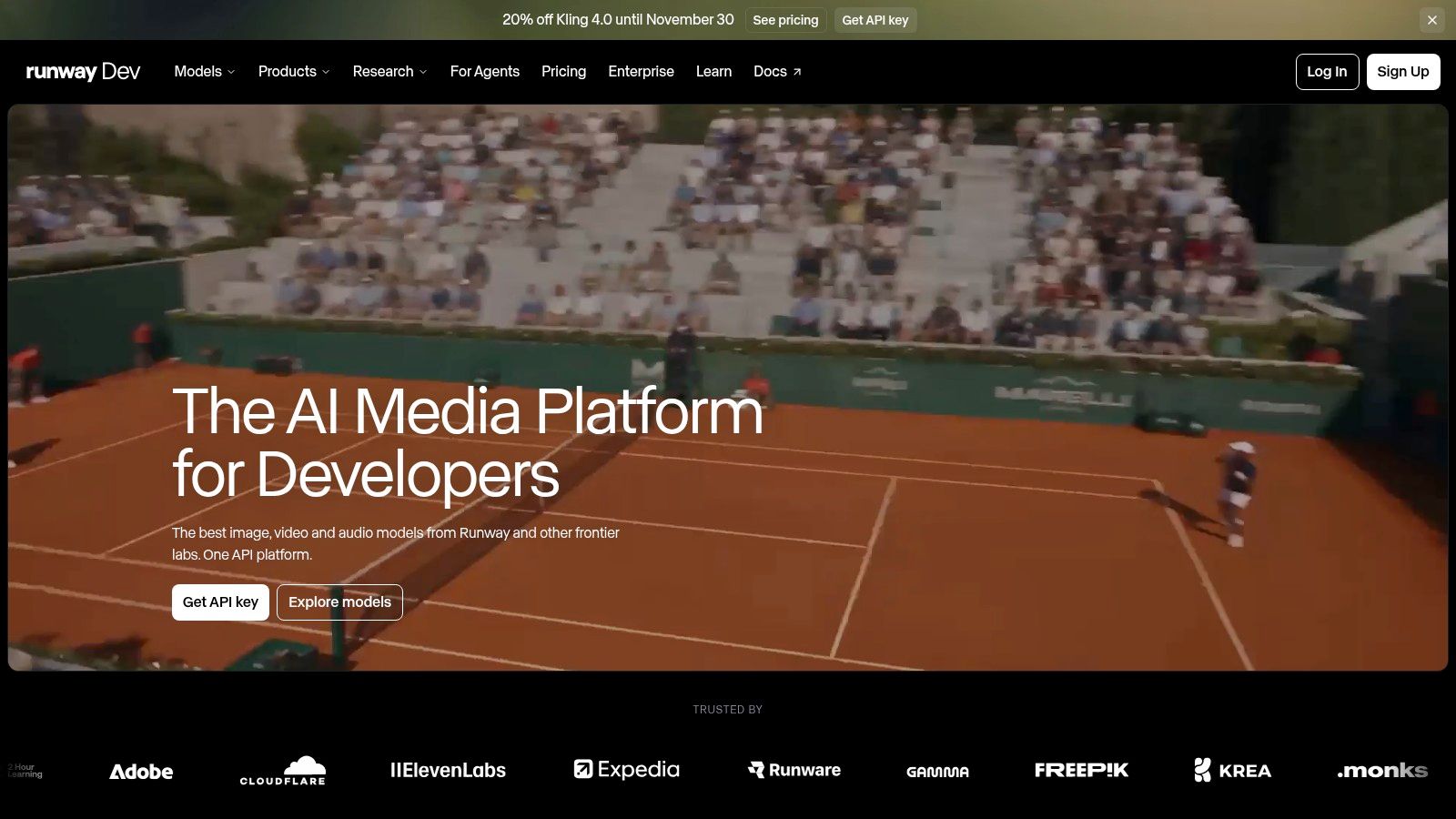
Keep the labels separate. The 4.0 prices do not establish a 3.0 Standard rate, and they should not be carried to another provider. For family context, the Kling 5.0 listing on uno.directory tracks releases across versions, which helps confirm whether a quote describes the endpoint you intend to call.
11. fal Kling 2.5 Turbo Pro Is Cheap Because It's a Version Behind
On fal, Kling 2.5 Turbo Pro text-to-video is listed at a lower per-second rate than the Kling 3.0 Standard price above, on pay-per-use billing, so check fal's model page for the current figure before budgeting.
Treat the gap as a version trade. The lower rate alone does not prove cause. Controls, motion handling, and duration behavior move between releases, and a cheaper endpoint that misses your acceptance bar costs the full rate plus the retry.
Confirm for the endpoint. Duration, resolution, and audio support belong to the specific model page rather than to the family name, and the listed rate may not cover every mode or configuration. Teams already inside fal get this model without another vendor account, which is often the deciding factor for a short pilot.
Listed per-second rates across the 10 APIs, with the tier and billing details that change the real cost
Every rate below is normalized to cost per output second. The lowest column is where the headline price lives, and the highest column is what the same endpoint charges once you move up the resolution ladder or off the Flash variant. UberLLM is the exception in this list: it routes requests across sellers instead of posting a single rate, so it has no per-second figure to put in a column.
| Item | Lowest Listed Rate per Second | Highest Listed Rate per Second | Audio Billing | Best For |
|---|---|---|---|---|
| Replicate, Wan 2.2 S2V | $0.02 | $0.02 | Requires an audio clip as input; separate audio billing not specified | Generating video from audio and a reference image |
| fal, HeyGen Video | $0.02 | $0.06 | Separate audio billing not specified | Cost-conscious text-to-video at 480p or 768p |
| xAI, Grok Imagine Video 1.5 Lite | $0.02 | $0.14 | Generated audio included; input media may cost extra | Direct text- or image-to-video, especially at lower resolutions |
| Google Gemini Omni Flash 1.1 via Runway Dev | $0.034 | $0.30 | Separate audio billing not specified | Low-resolution drafts and access through Runway Dev |
| fal, Wan 2.6 Flash | $0.05 | $0.15 | Separate audio billing not specified | Lower-cost text-to-video with Flash, or standard Wan at specified resolutions |
| Runway Dev, Wan 3.0 | $0.05 | $0.20 | Separate audio billing not specified | Resolution-based Wan pricing through a shared developer account |
| xAI, Grok Imagine Video | $0.05 | $0.07 | Separate audio billing not specified; input media may add cost | Direct text, image, or video input workflows |
| fal, MiniMax H3 Max | $0.08 | $0.08 | Separate audio billing not specified | Reference-driven video generation at 768p |
| Runway Dev, Kling 3.0 Standard | $0.09 | $0.13 | Optional: $0.09 without audio or $0.13 with audio | Kling 3.0 generation with a choice of audio output |
| fal, Kling 2.5 Turbo Pro | $0.07 | $0.07 | Audio billing not specified; rate may not cover every mode | Lower-listed-price Kling text-to-video |
Read the lowest column with suspicion. Three endpoints post $0.02, and Replicate's Wan 2.2 S2V is the only one that holds that price across the board, on a workflow that requires an audio clip as input. HeyGen's $0.02 applies at the 480p tier, Grok Imagine Video 1.5 Lite climbs to $0.14 with generated audio folded in, and Gemini Omni Flash's $0.034 starts at 360p. Kling 3.0 Standard is the one row that prices audio openly: $0.04 per second on top of the $0.09 base.
How to Turn a Per-Second Rate Into a Budget You Can Trust
The listed rate is one multiplier in a chain of four or five. Start with the rate, multiply by the clip length, then multiply again by the number of generations you burn per keeper. Two retries per accepted clip isn't unusual for a new prompt, and that's before audio, upscaling, or storage enters the sum.
Then check what the provider measures. Some bill the output second; some bill a generated video unit. Google Cloud's Model Garden pricing lists Veo 3.1 Lite video generation at 720p at $0.03 per generated video unit and standard Veo 3.1 video generation at $0.20 per unit, and converting either into a per-second figure requires knowing the duration that unit represents.
Add the costs that never show up in the output rate. A recent analysis puts a 30-second AI video advertisement at $19 to $86 in API fees, driven by model choice and retakes rather than nominal duration, and notes that one current rate card charges output seconds plus the greater of input-video duration or output duration for certain workflows, according to this comparison of cheapest video generation APIs.
A short checklist before you commit
- Normalize at the resolution you ship. Comparing a 480p rate against a 1080p rate produces a saving that disappears on delivery.
- Budget the retry rate. Multiply by your real attempts per keeper, not by one.
- Match the billing shape. Per second, per unit, and per duration band don't convert without the duration definition.
- Test on your own prompts. Run the same short prompt across two or three shortlisted endpoints and compare cost per accepted clip, not cost per generated second.
- Check caps and minimums. Output-length ceilings vary widely, and a model that caps at five seconds can't serve a 30-second spot without stitching, which multiplies your generations.
- Read the data-use terms. Retention and training policies differ by endpoint, and the cheapest route is the wrong route if you can't put client material through it.
Most of the cheap tiers here are 360p to 480p drafts. Delivery rates at 1080p run several times higher on the same model, which is why one headline number tells you almost nothing about the budget for a shipped asset. If you're building a shortlist, uno.directory's AI & Machine Learning category is a place to save candidates and revisit them as prices move.
Pick three endpoints from this list, feed each one the same 8-second prompt at the resolution you deliver, and count how many attempts each needs before you'd publish the result. Multiply that count by the rate and you have the only number worth comparing. Recheck it when the next model version lands, because the price that's cheapest today is usually the one about to be replaced.