
FramioCam
FramioCam — screen recorder & screenshot tool for Chrome. Capture, annotate, add webcam, zoom effects, and share in seconds.
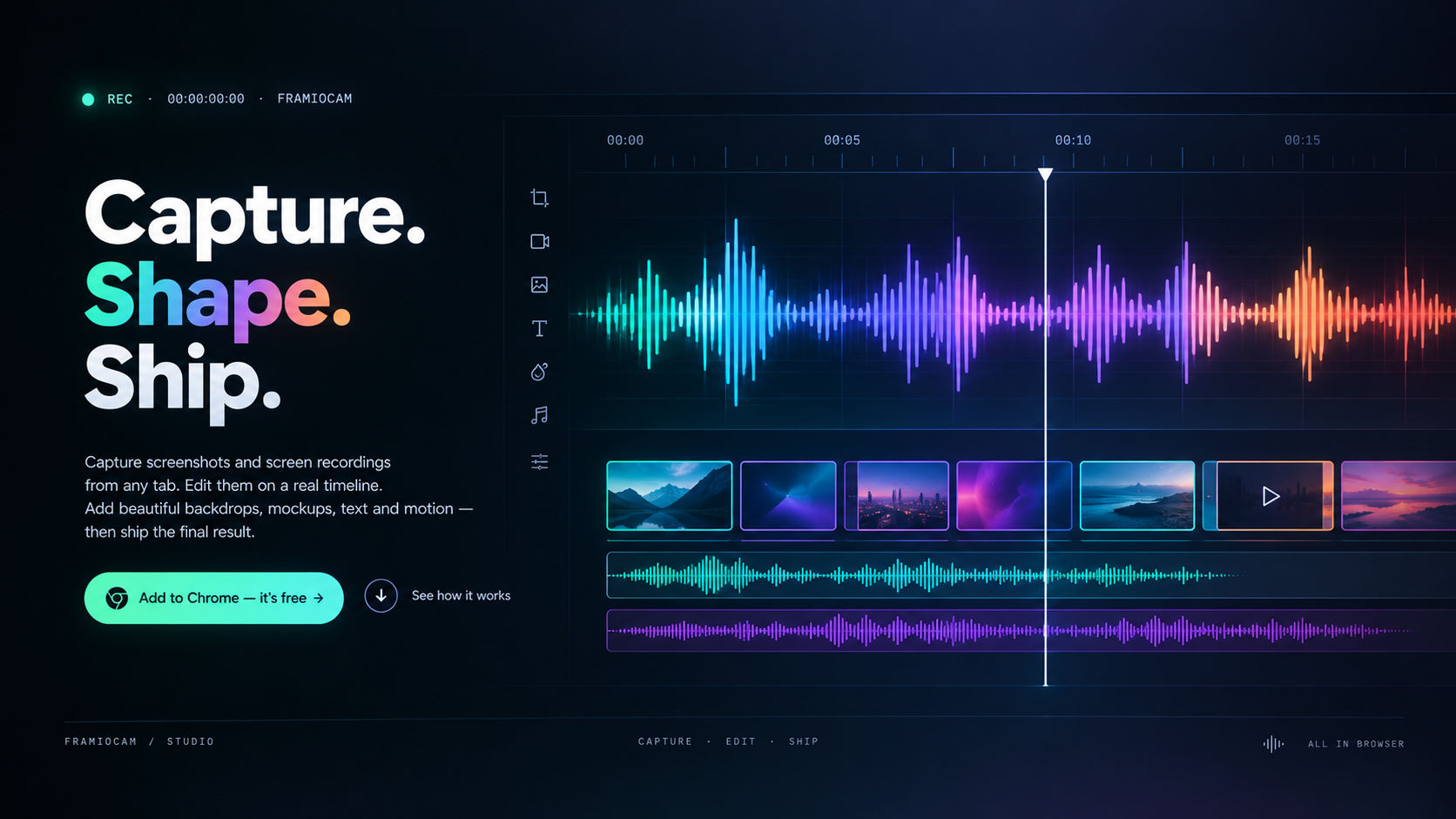
FramioCam is a powerful screenshot and screen recording Chrome extension designed to enhance your productivity and creativity. With its intuitive interface, users can easily capture any tab in their browser, add backdrops and mockups, and edit their recordings on a real timeline. This tool is perfect for professionals, educators, and anyone who needs to create visual content quickly and efficiently.
Features
- Screen Capture: Effortlessly capture full tabs, selected areas, or entire screens with just a click.
- Screen Recording: Record your screen activity in high quality, perfect for tutorials, presentations, or gameplay.
- Editing Tools: Utilize a range of editing features to annotate, highlight, and modify your captures and recordings.
- Mockup Integration: Add realistic mockups and backdrops to your screenshots to create professional-looking visuals.
- Privacy Focused: Your captures and recordings are processed locally, ensuring that nothing is uploaded to external servers.
Use Cases
For Educators
FramioCam is an invaluable tool for educators looking to create engaging instructional materials. Teachers can record lessons, demonstrate software, or provide feedback on student work. The ability to annotate and edit recordings allows for clear communication and enhanced learning experiences.
For Marketers
Marketers can use FramioCam to create compelling promotional content. Whether it’s capturing a product demo or recording a webinar, this tool helps marketers showcase their offerings effectively. The mockup feature allows for the creation of eye-catching visuals that can be used in campaigns.
For Developers
Developers can benefit from FramioCam by documenting their work processes or creating tutorials for users. The screen recording feature is ideal for capturing software bugs or demonstrating new features, making it easier to communicate with team members or clients.
Benefits
- Increased Productivity: Save time by capturing and recording directly from your browser without the need for additional software.
- Enhanced Communication: Visual content can convey messages more effectively than text alone, improving understanding and retention.
- Cost-Effective: As a Chrome extension, FramioCam is easily accessible and does not require expensive software purchases.
- User-Friendly Interface: The intuitive design ensures that users of all skill levels can navigate and utilize the tool with ease.
- Local Processing: With a focus on privacy, users can feel secure knowing their data is not being stored or shared externally.
Getting Started
To begin using FramioCam, simply install the Chrome extension from the Chrome Web Store. Once installed, you can access the tool directly from your browser toolbar. The setup process is straightforward, allowing you to start capturing and recording in no time. Explore the various features and customize your settings to suit your needs.
Conclusion
FramioCam is an essential tool for anyone looking to enhance their screen capturing and recording capabilities. With its robust features and user-friendly design, it stands out as a top choice for professionals and casual users alike. Whether you are creating educational content, marketing materials, or documentation, FramioCam provides the tools you need to succeed.