AI Image Editor
Edit photos online with text instructions
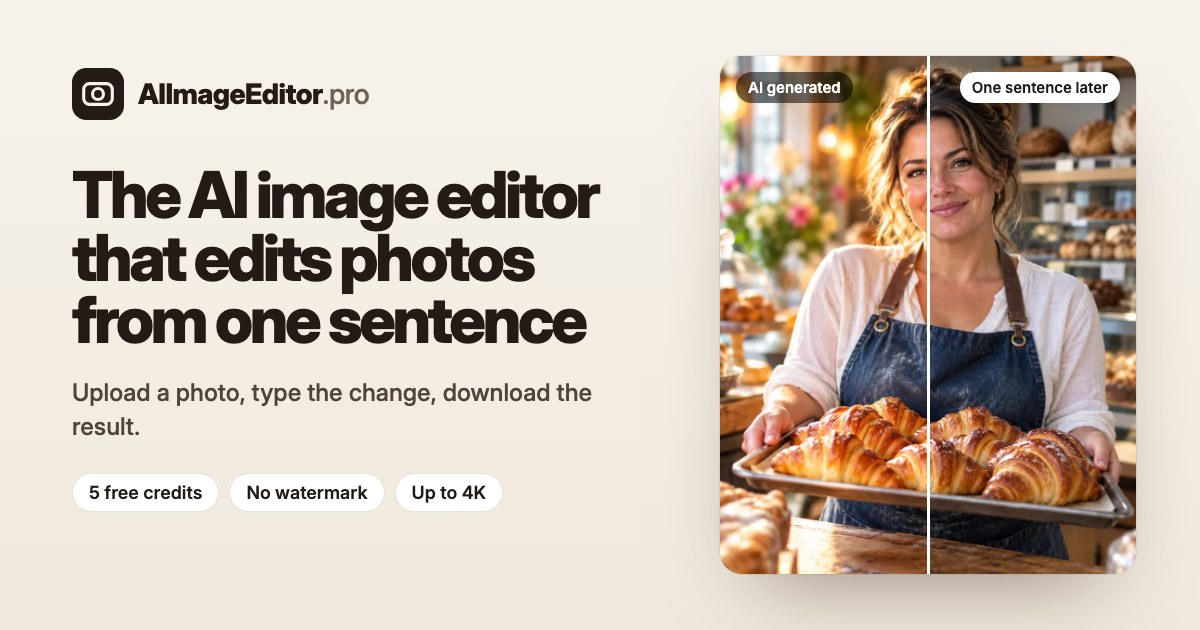
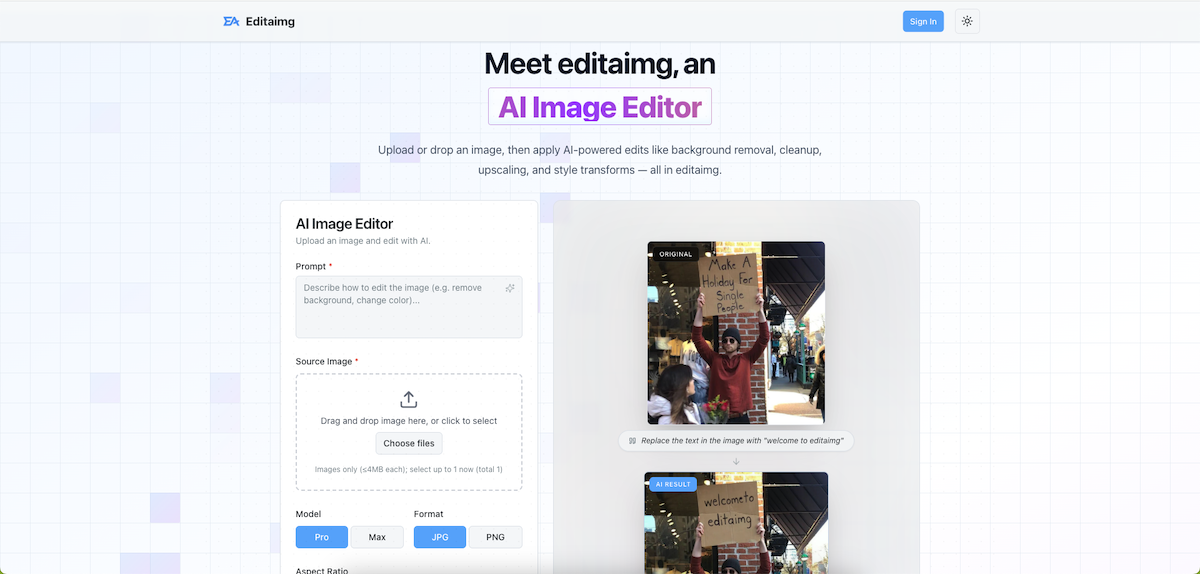
AI Image Editor is a browser-based photo editor that lets people request image changes in plain language. Upload a photo, describe what should change, choose an image model, and review the result in the editor. You can also start with a text prompt or use a sample image.
The editor supports up to five reference photos in JPG, PNG, or WebP format, up to 10 MB each. Depending on the prompt, it can help change a background, adjust lighting, remove or add objects, change clothing, restore an old print, or give an illustrated image a more photographic look. Separate tools are available for humanizing AI portraits, making AI images look realistic, removing common AI-looking details, and enlarging images.
AI Image Editor offers five image models: GPT Image 2.5, GPT Image 2, Nano Banana 2.1, Grok Imagine, and Nano Banana Lite. The interface shows the credit cost before an edit starts. Standard edits cost 5 credits; GPT Image edits cost 10 credits. New users can sign in with Google to receive five free credits. Results can be downloaded without a watermark, and failed edits return the credits.
The workflow is designed for people who want to make a specific change without learning layers, masks, or brush tools. It can be used for product photos, portraits, social visuals, outfit changes, background edits, and restoring family photos. AI Image Editor runs online at https://aiimageeditor.pro/.